

ERP, CRM and billing

ERP, CRM and billing software built for your business

ERP, CRM and billing software connects the daily work of a business: enquiries and customers, quotations and orders, purchases and stock, invoices and payments. Ebin Tech builds these systems to your own process, with GST-ready invoicing, role-based access and reports that show the owner what is happening.

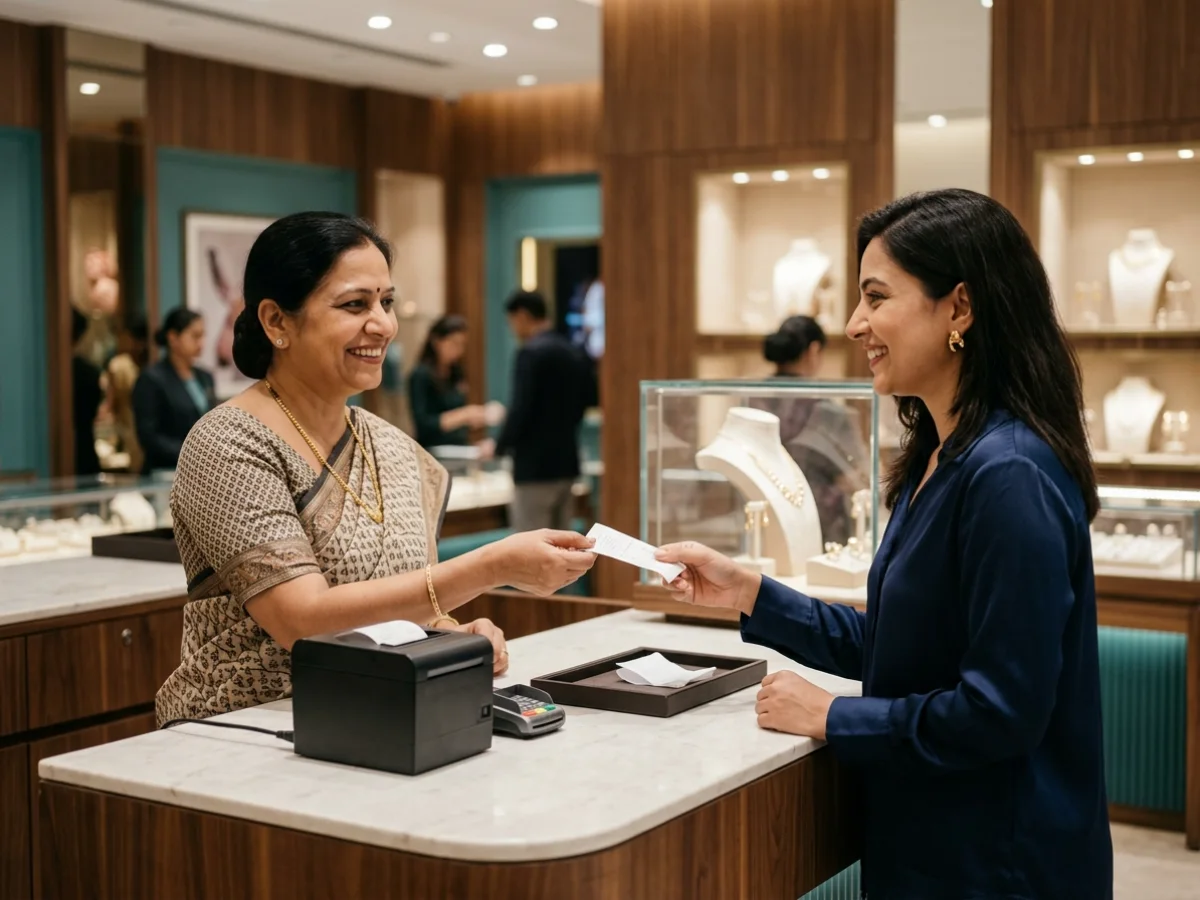
Shop assistant handing a printed bill to a customer at a billing counter
Factory manager checking stock with a tablet
GST invoice printedStock updatedCustomer ledger synced
Modules
Sales, purchase, stock, accounts, CRM, reports
Invoicing
GST-ready formats, payments, ledgers
Access
Roles and permissions for owners, staff and accountants
Deployment
Cloud or your own server
What is included

What ERP, CRM and billing software includes

01

Sales and quotations

Enquiries, quotes, orders and delivery in one trail.

02

Purchase and vendors

Purchase orders, goods received notes and vendor payments.

06

Reports and dashboards

Daily, weekly and monthly numbers without spreadsheet work.

Lifetime software offer

Buy the software for lifetime. Get the printers free.

Buy your business software once for lifetime use and we include a thermal tag printer and an estimate slip printer at no extra cost, with one year of paper rolls and tags, plus free setup and free training (KT) for your employees.

  • Lifetime software
  • Thermal tag printer, free
  • Estimate slip printer, free
  • 1 year of paper rolls and tags, free
  • Free setup
  • Free KT for your employees

Terms apply. Printer models, quantities and the training plan are confirmed in your written quotation.

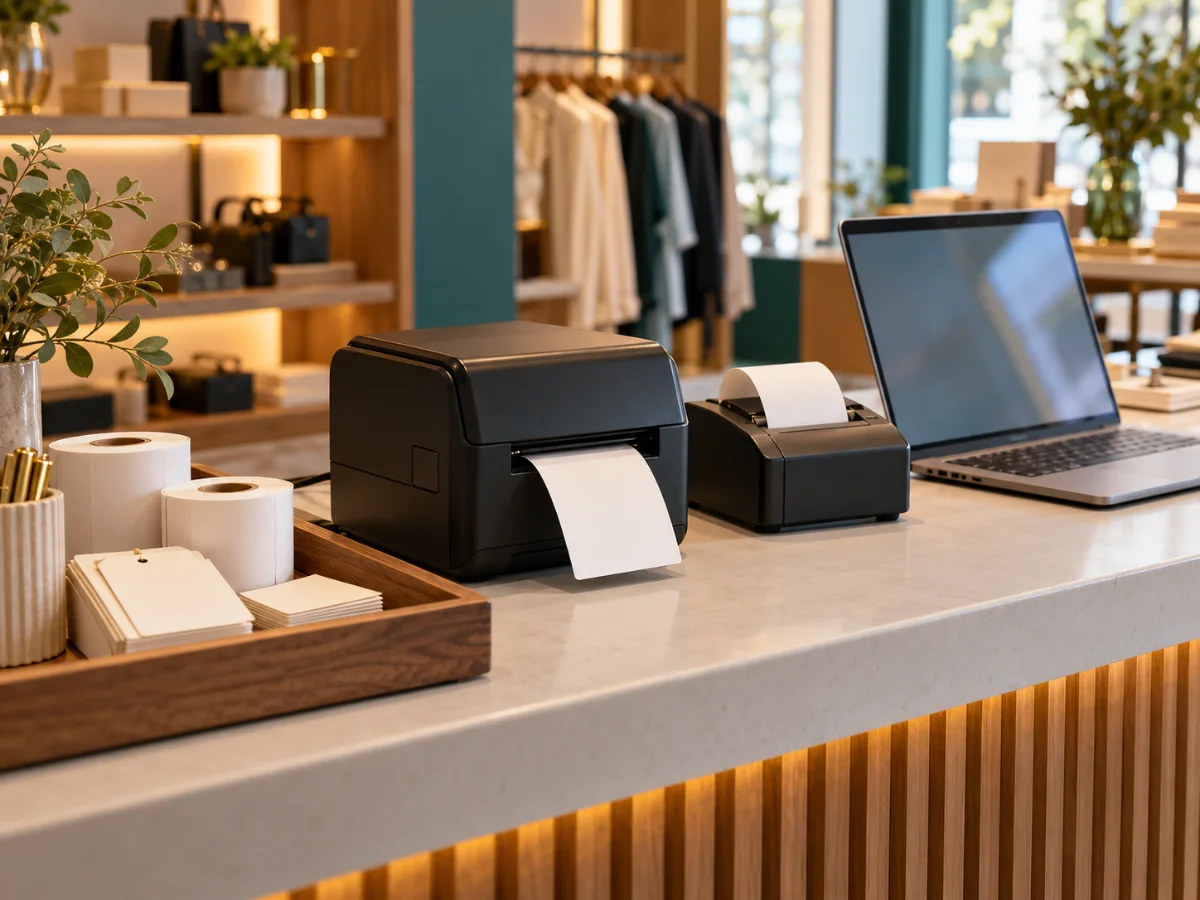
Thermal tag printer and slip printer with paper rolls on a shop billing counter
Shopkeeper handing a printed slip to a customer
Tag printer free1 year of rolls and tagsFree setup and training

ERP, CRM and billing: how they fit together

CRM tracks who your customers and prospects are and what was promised. Billing records what was sold and what is owed. ERP ties these to purchasing, stock and accounts. When the three share one database, a sale updates stock and the ledger without anyone typing it twice.

What goes into a typical build
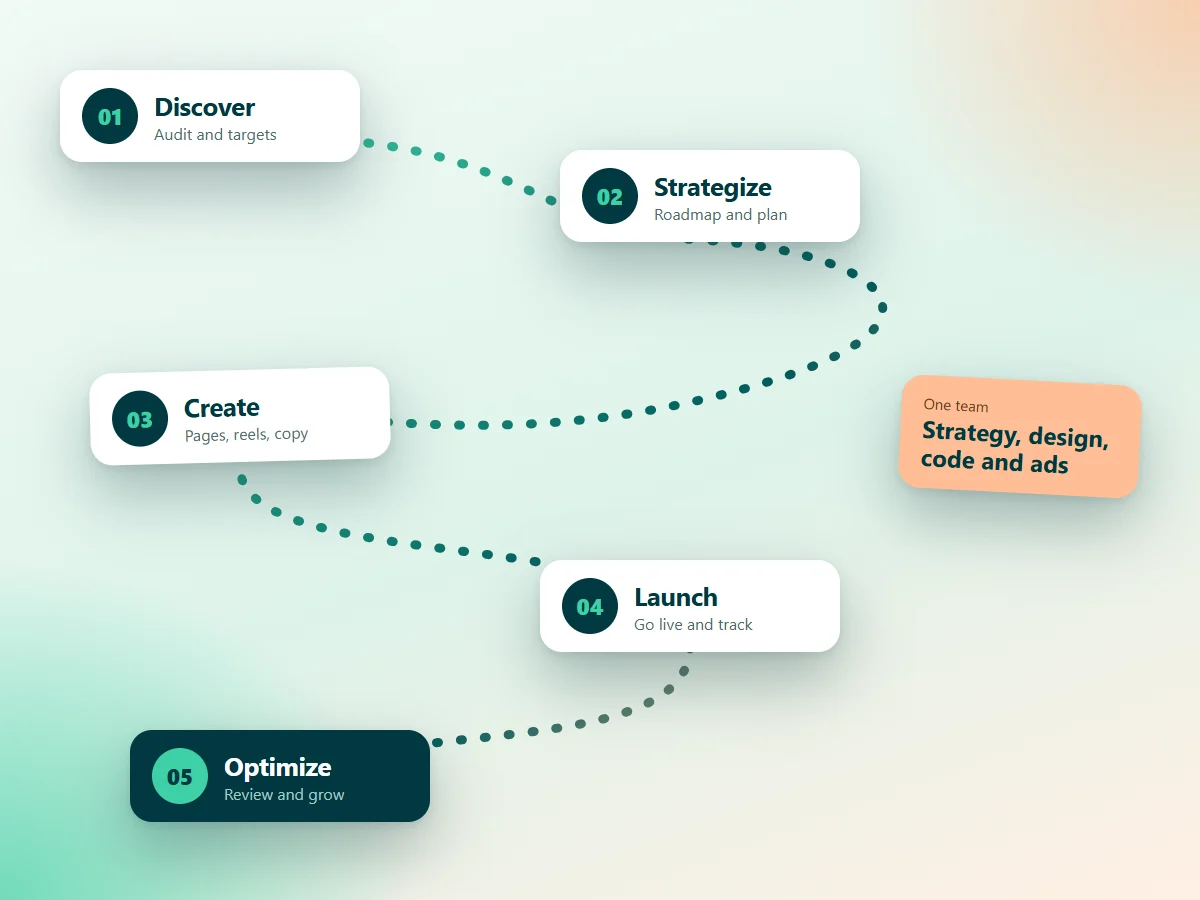
Five step delivery process: discover, strategize, create, launch and optimize
  • Customer and vendor masters with contact and tax details
  • Quotation, sales order, delivery and invoice flow with approvals
  • Purchase order, goods receipt and vendor bill matching
  • Stock movements, batch or serial tracking and low stock alerts
  • Payments, outstanding reminders and ledgers
  • Role-based access so staff see only what they need
  • Reports for sales, stock, receivables and profitability

Built to your process, not a template

Every business has steps that off-the-shelf tools ignore: a particular approval, a special pricing rule, a production stage. We build those steps in, so the software supports your process instead of changing it.

Start small, then grow

You do not have to buy everything at once. Many clients begin with billing or inventory and add CRM, purchase and reports in later stages. The data model is designed up front so new modules plug in cleanly.

Who this is for

  • Manufacturing
  • Packaging
  • Jewellery
  • Wholesale and trading
  • Retail
  • Distribution
  • Service businesses
  • Clinics
Proof of work

Software we have built

Jewellery

PJ Jewellery

Custom software for a jewellery business: billing and stock handled in one system.

Inventory management

RK Enterprises

Inventory management software built around how the business receives, stores and dispatches goods.

Corrugated packaging

Spectrum Packaging

A custom inventory management app for a corrugated packaging company.

Corrugated packaging

Sri Sairam Containers

Custom software for a corrugated packaging company.

How it works

From first call to a working system.

  1. 01

    Discovery

    We map how your team works today: the steps, the paperwork, the spreadsheets and the pain points.

  2. 02

    Scope and design

    We agree the modules, the screens and the reports, and show you a clickable design before coding.

  3. 03

    Build in stages

    We build and release in small stages so your team can test real screens early.

  4. 04

    Training and launch

    We move your existing data across, train your staff and go live.

  5. 05

    Support and growth

    We fix issues quickly and add features as your business changes.

ERP, CRM and billing software: frequently asked questions

CRM manages customers, leads and sales follow-up. ERP manages internal operations such as purchase, stock, production and accounts. Many businesses need both, and connecting them avoids duplicate data entry.

Direct engagement

Need ERP, CRM and billing software?

Tell us how your business works today. We will suggest what to build, what to automate first and what it will take.

We also build custom software and AI automation for your business.